
Every church wants the same thing from a group directory: let me filter by night of the week, by campus, by what kind of group it is, and show me where they are on a map. Building that is straightforward. Building it without destroying your group pages in the process is the part worth thinking about.
The trap
The obvious implementation is a single page holding every group, filtered in the browser with JavaScript. It feels fast, it demos beautifully, and it collapses forty pages of content into one URL with a filter state nobody can link to.
Someone filters to Tuesday, finds a group, and wants to send it to a friend. The URL in their address bar is the unfiltered directory. There's nothing to share and nothing for a search engine to rank.
Filter over real pages instead
The better structure keeps each group as its own page and treats the finder as navigation over them. PCO Bridge registers each published group as a pco_group post with its own permalink, then generates archives from four taxonomies: group type, tag, meeting day, and campus.
Those archives are real URLs. A Tuesday archive is a page. A campus archive is a page. A visitor filtering your directory is moving between addresses they can bookmark, share, and land on from search, and each one is a page Google can index on its own terms.
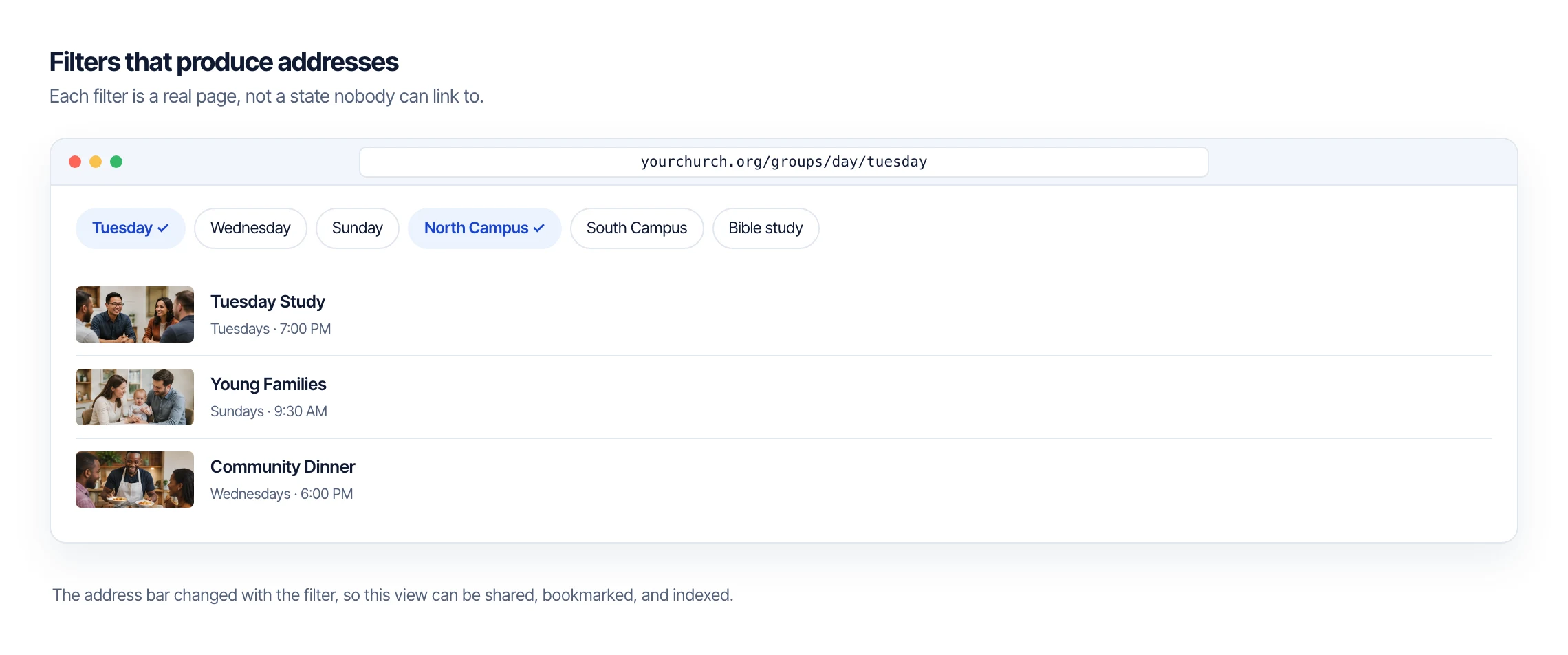
Client-side filtering still has a place for refining within an archive. It just shouldn't be the only way to reach anything.
What you get to build with
The plugin documents every meta key it stores against a group post in its FIELDS reference, which is the contract for building anything custom on top. Filters replace the bundled templates entirely, so you aren't restyling somebody's widget CSS from the outside. You're writing a template.
For the map, geocode once at import rather than on every page load, and store coordinates against the post. Bear in mind the privacy question: plotting groups at exact meeting addresses publishes where people gather. Neighborhood centroids or campus markers give visitors what they need without that.
Start from the archive
If you're building this now, get the taxonomy archives rendering properly before you write a line of filter JavaScript. The archives are the thing that has to work when JavaScript doesn't, and everything else layers on top.
PCO Bridge is in beta and applications are open to churches, developers, and agencies.